
中台神學院歡迎您!
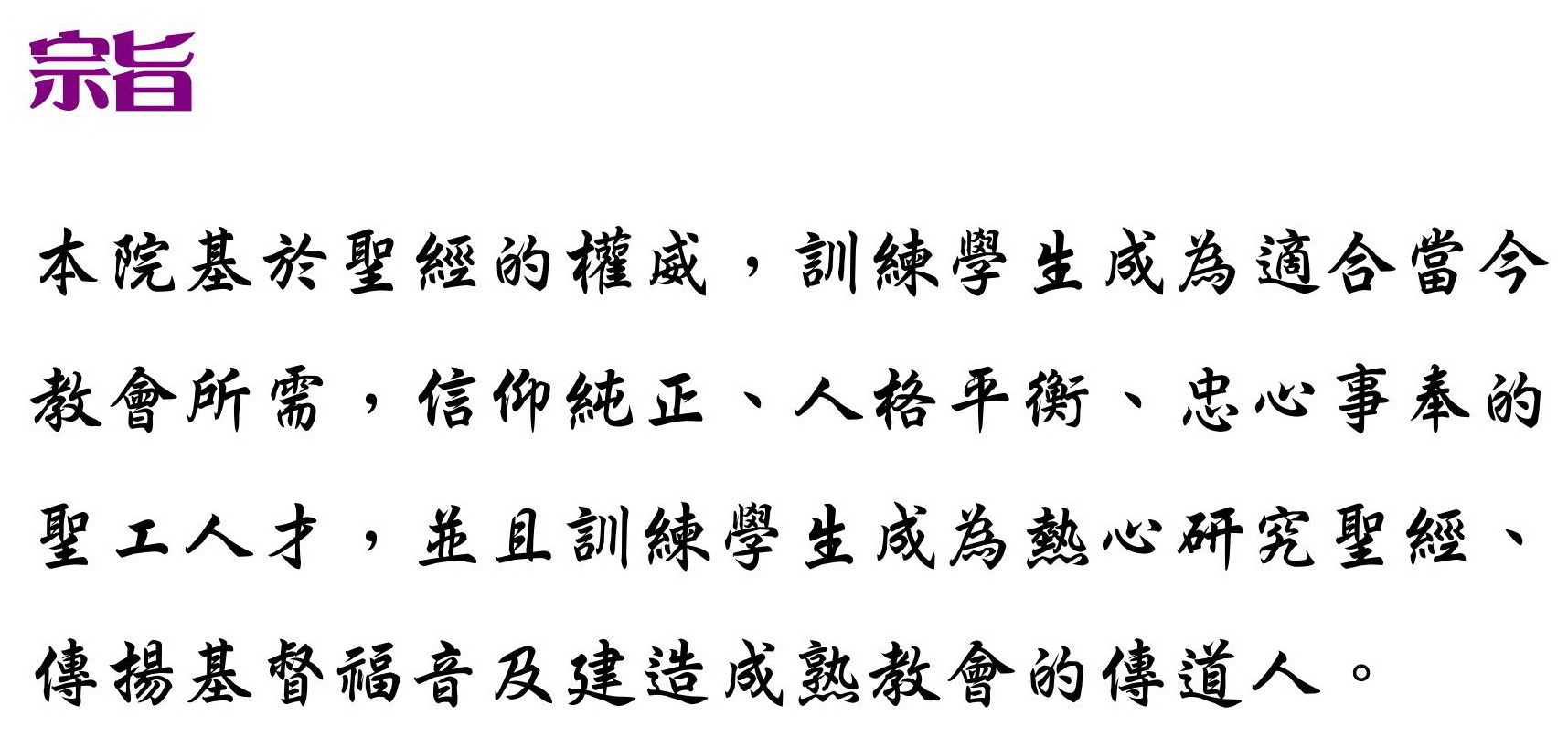
中台簡介
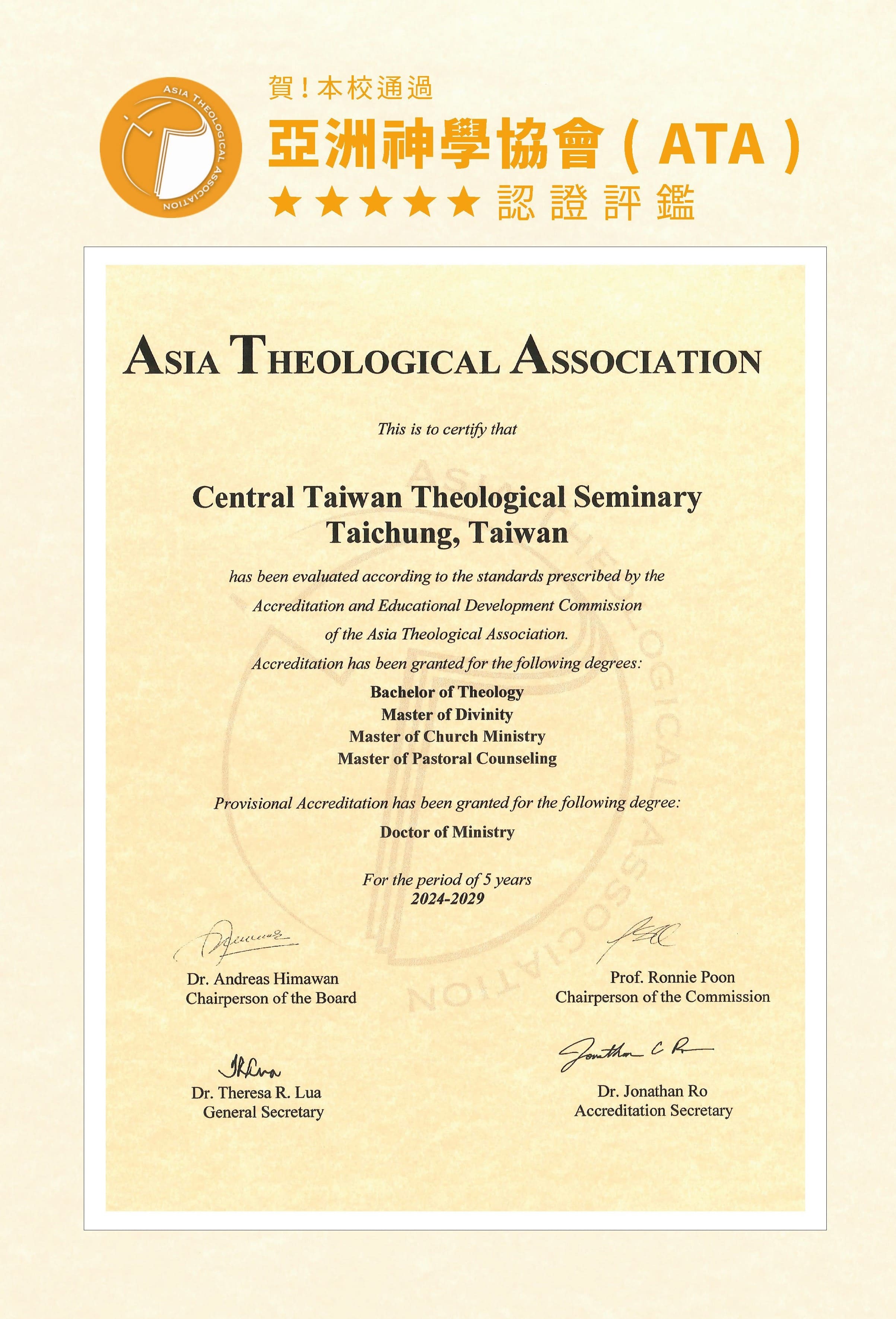
ATA認證

Joomla!
All components also are used in the administrator area of your website. In addition to the ones listed here, there are components in the administrator that do not have direct front end displays, but do help shape your site. The most important ones for most users are
- Media Manager
- Extensions Manager
- Menu Manager
- Global Configuration
- Banners
- Redirect
ÂÂ
Media Manager
The media manager component lets you upload and insert images into content throughout your site. Optionally, you can enable the flash uploader which will allow you to to upload multiple images. Help
Extensions Manager
The extensions manager lets you install, update, uninstall and manage all of your extensions. The extensions manager has been extensively redesigned for Joomla! 1.6, although the core install and uninstall functionality remains the same as in Joomla 1.5. Help
Menu Manager
The menu manager lets you create the menus you see displayed on your site. It also allows you to assign modules and template styles to specific menu links. Help
Global Configuration
The global configuration is where the site administrator configures things such as whether search engine friendly urls are enabled, the site meta data (descriptive text used by search engines an indexers) and other functions. For many beginning users simply leaving the settings on default is a good way to begin, although when your site is ready for the public you will want to change the meta data to match its content. Help
Banners
The banners component provides a simple way to display a rotating image in a module and, if you wish to have advertising, a way to track the number of times an image is viewed and clicked. Help
Redirect
The redirect component is used to manage broken links that produce Page Not Found (404) errors. If enabled it will allow you to redirect broken links to specific pages. It can also be used to manage migration related URL changes. Help
The Statistics Module shows information about your server installation together with statistics on the Web site users, number of Articles in your database and the number of Web links you provide.
This module displays the latest registered users. Help
The users extension lets your site visitors register, login and logout, change their passwords and other information, and recover lost passwords. In the administrator it allows you to create, block and manage users and create user groups and access levels. Help
Please note that some of the user views will not display if you are not logged in to the site.
The content component (com_content) is what you use to write articles. It is extremely flexible and has the largest number of built in views. Articles can be created an edited from the front end, making content the easiest component to use to create your site content. Help
子分類
Extensions
The Joomla! content management system lets you create webpages of various types using extensions. There are 5 basic types of extensions: components, modules, templates, languages, and plugins. Your website includes the extensions you need to create a basic website in English, but thousands of additional extensions of all types are available. The Joomla! Extensions Directory is the largest directory of Joomla! extensions.
焦點專區


活動專區


重要消息
受理校外牧長兄姐報名至2026年12月31日截止
受理校外牧長兄姐報名至2027年1月4日截止
受理報名至9月7日(週一)截止

12月15日前(含)完成報名9折優惠

2025教牧博士科
2026教牧博士科
教牧博士科
教牧博士科
聯絡資訊
- 文章瀏覽點擊數
- 36851282
快速選單

推廣處